Coming in 2027
Xspouse Next
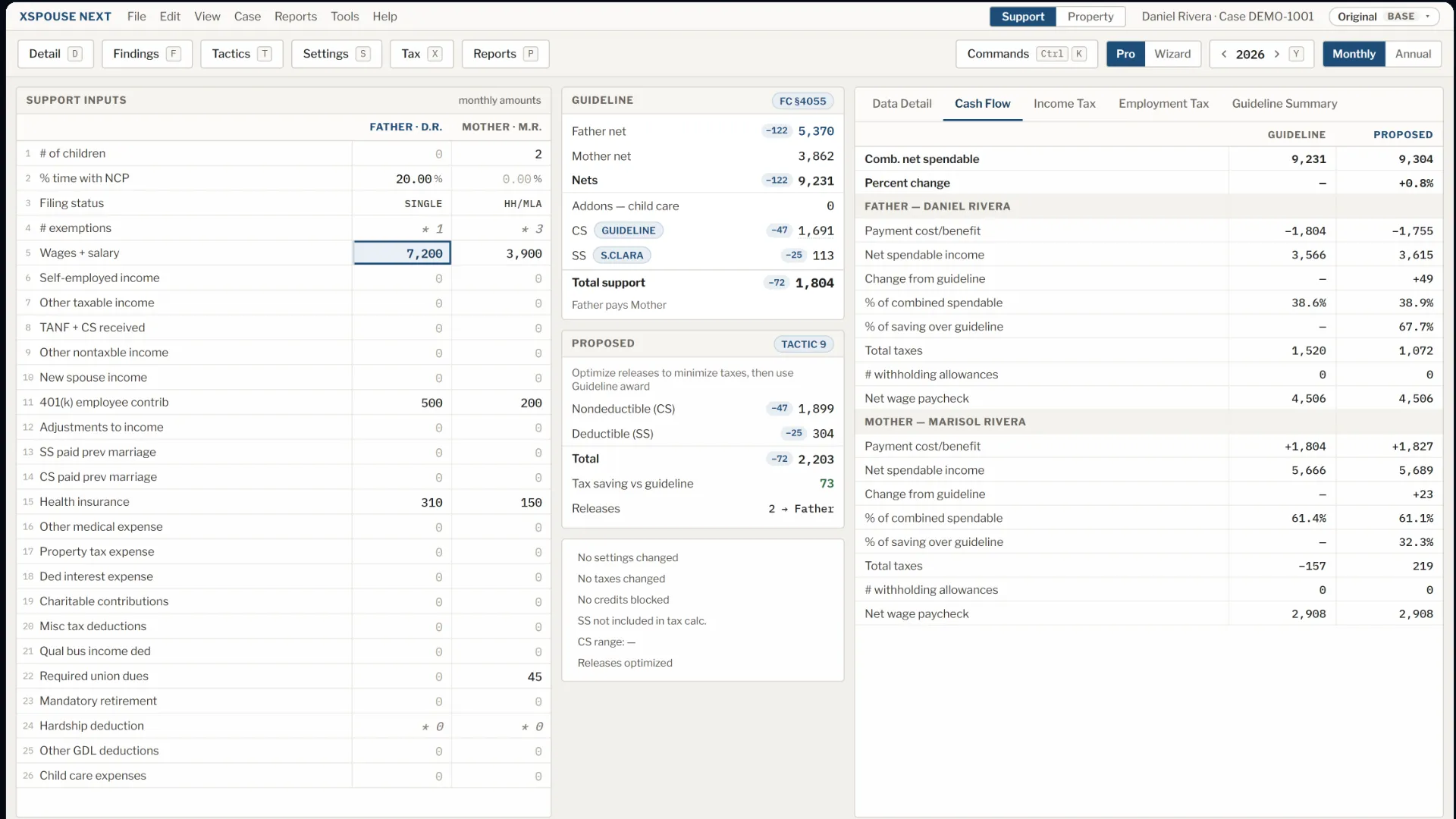
In 2027 we are releasing a completely new, modern version of Xspouse, rebuilt from the ground up, with native support for Windows and Mac. It opens your existing cases and makes the same calculations, while adding many new tools and features.
It will be released side-by-side with Xspouse Classic, so you can try it out and make the transition when you're ready.
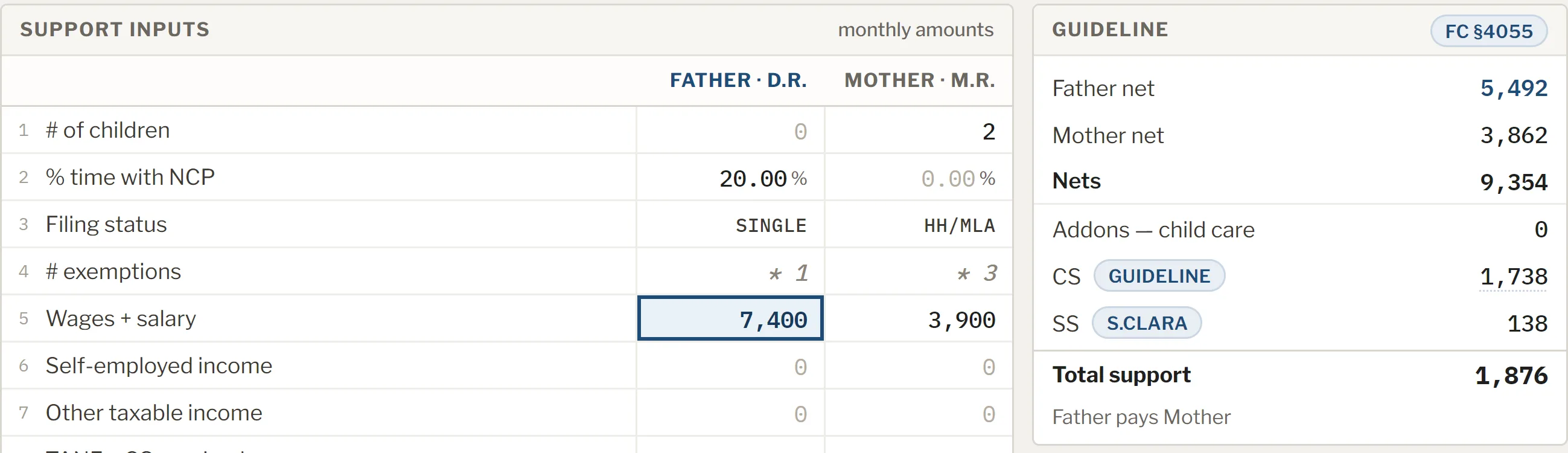
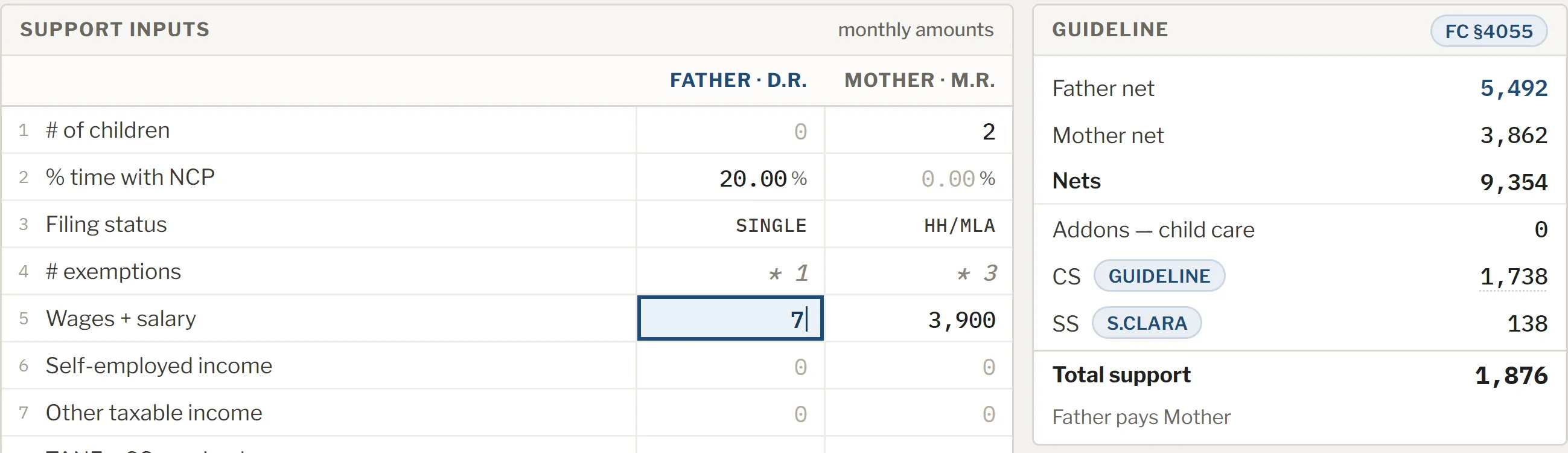
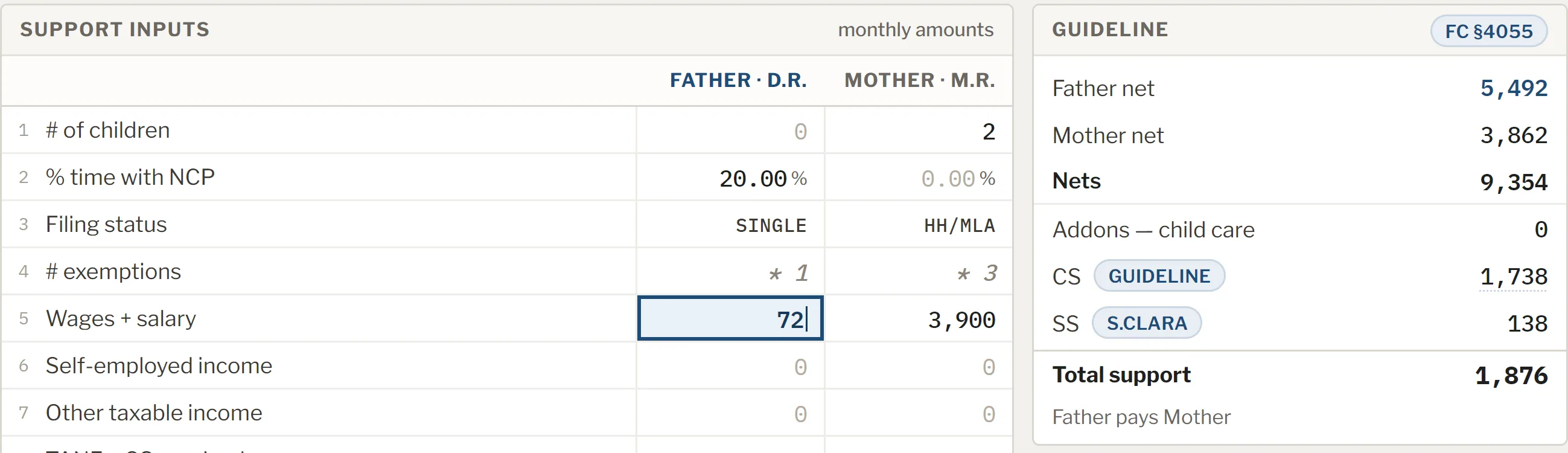
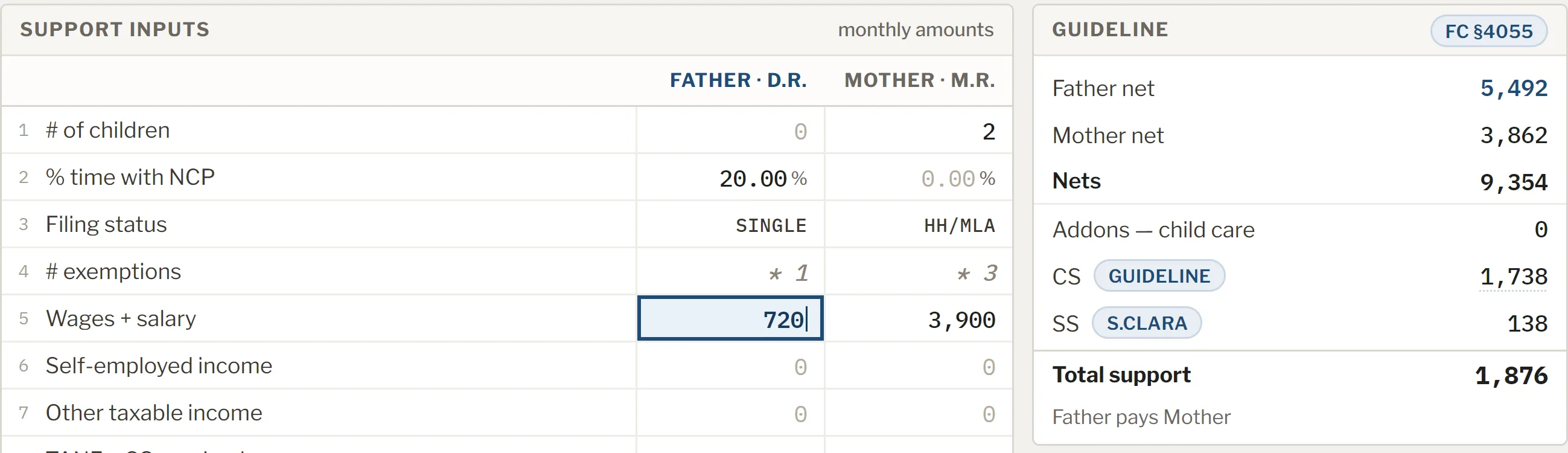
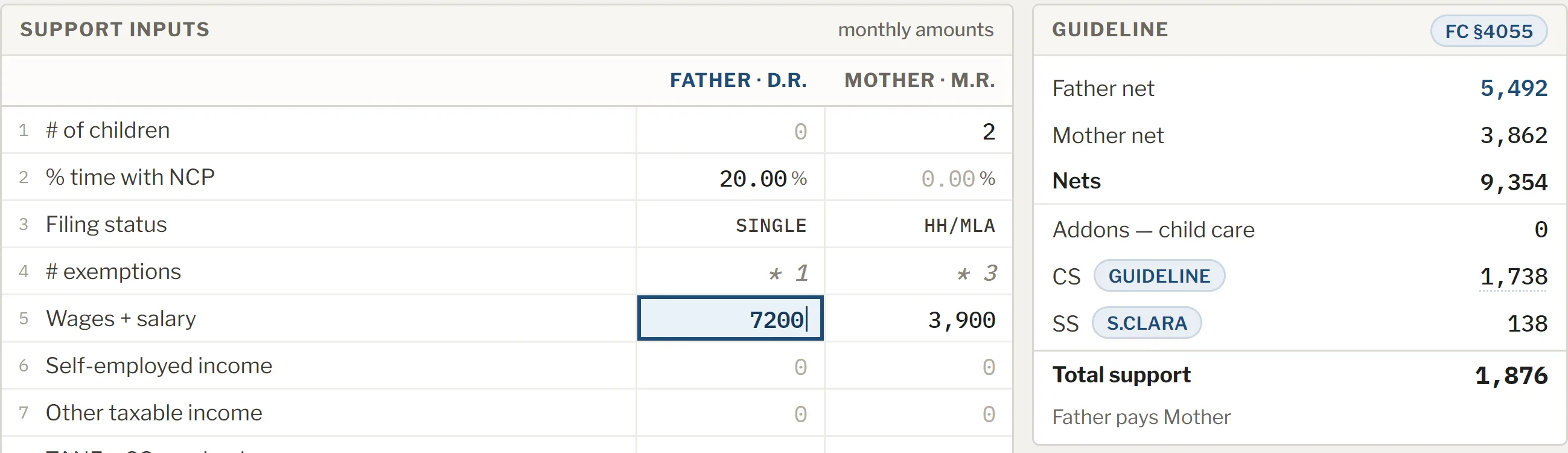
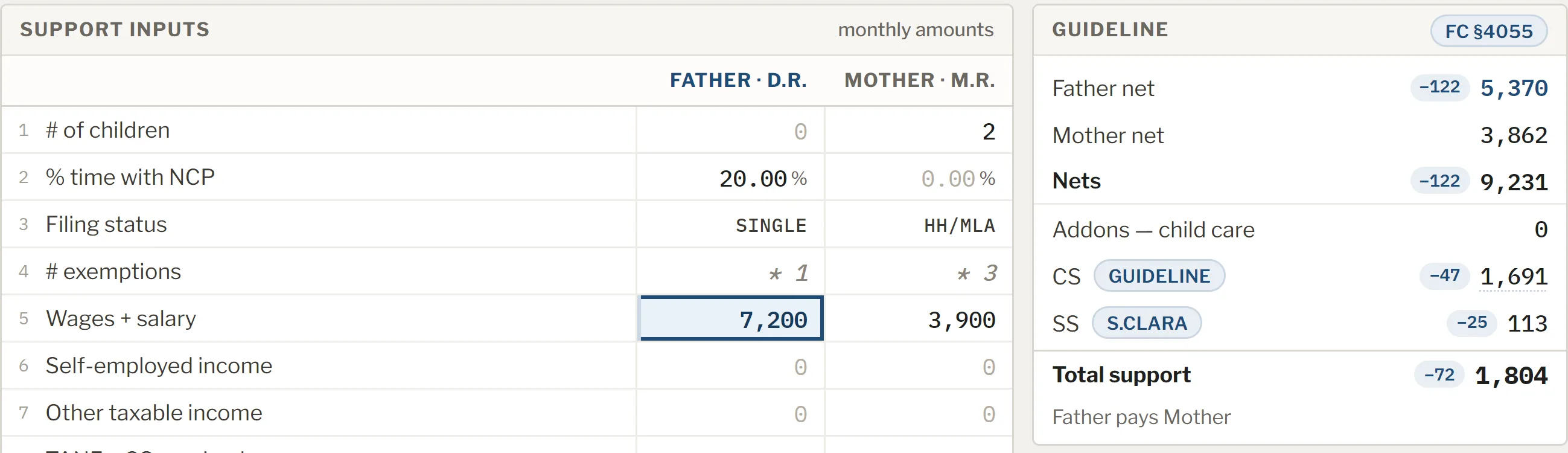
It recalculates as you type.
Every figure updates as you edit, and each one that changes shows you the delta.
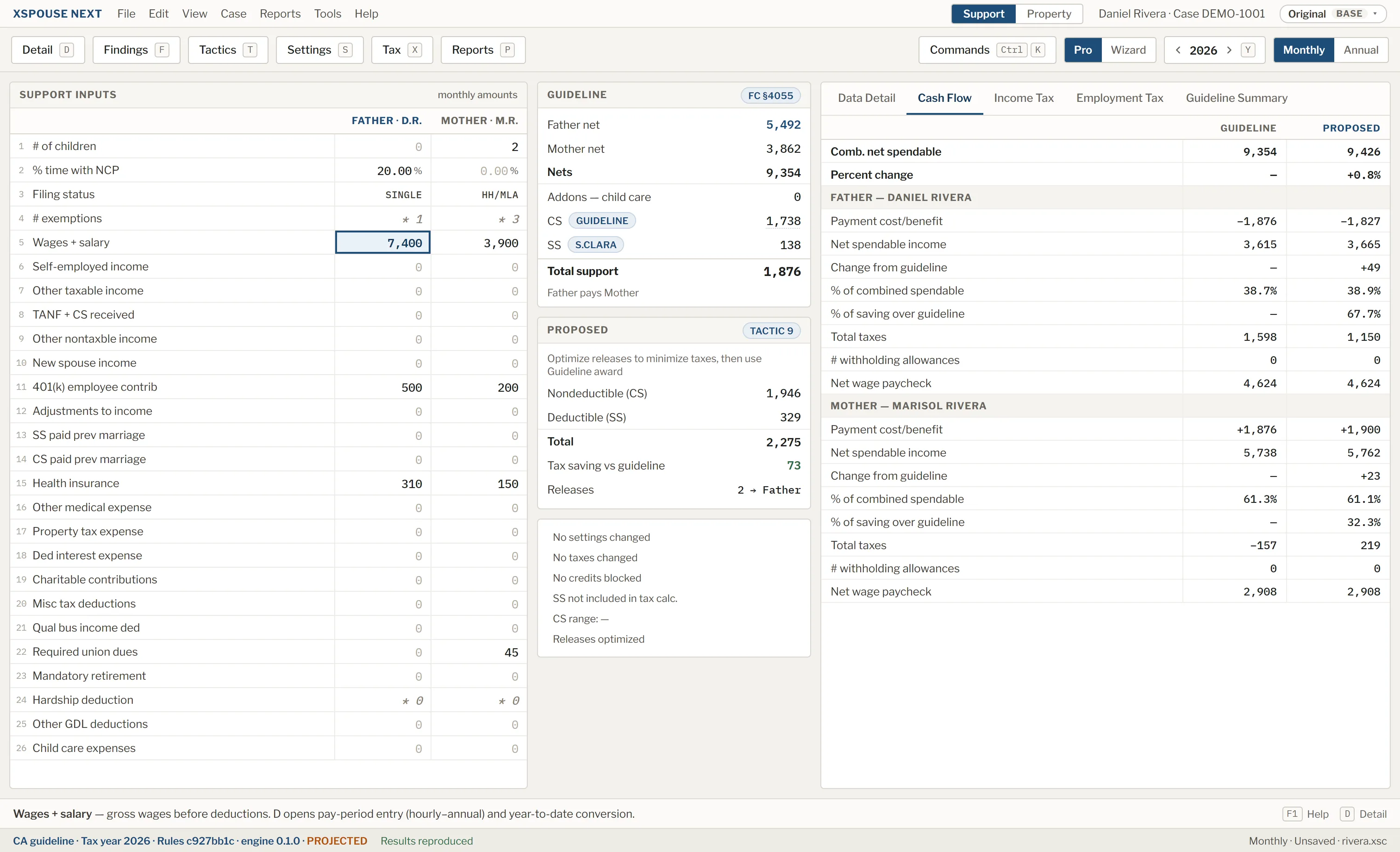
We started with ease of use.
- Undo and redo, with detailed history.
- Automatic recovery, so you never lose work.
- A window you can resize freely.
- A modern interface with a familiar layout and the same hot keys. No learning curve.
- Backwards compatible. Open cases from Xspouse Classic.
- Dark mode. Or light. Your choice.
Then we added new tools.
Scenarios, side by side.
Try different tactics and inputs in one case file, and see how each one changes the result. Each figure that differs from the base shows its difference.
Ctrl+Shift+S
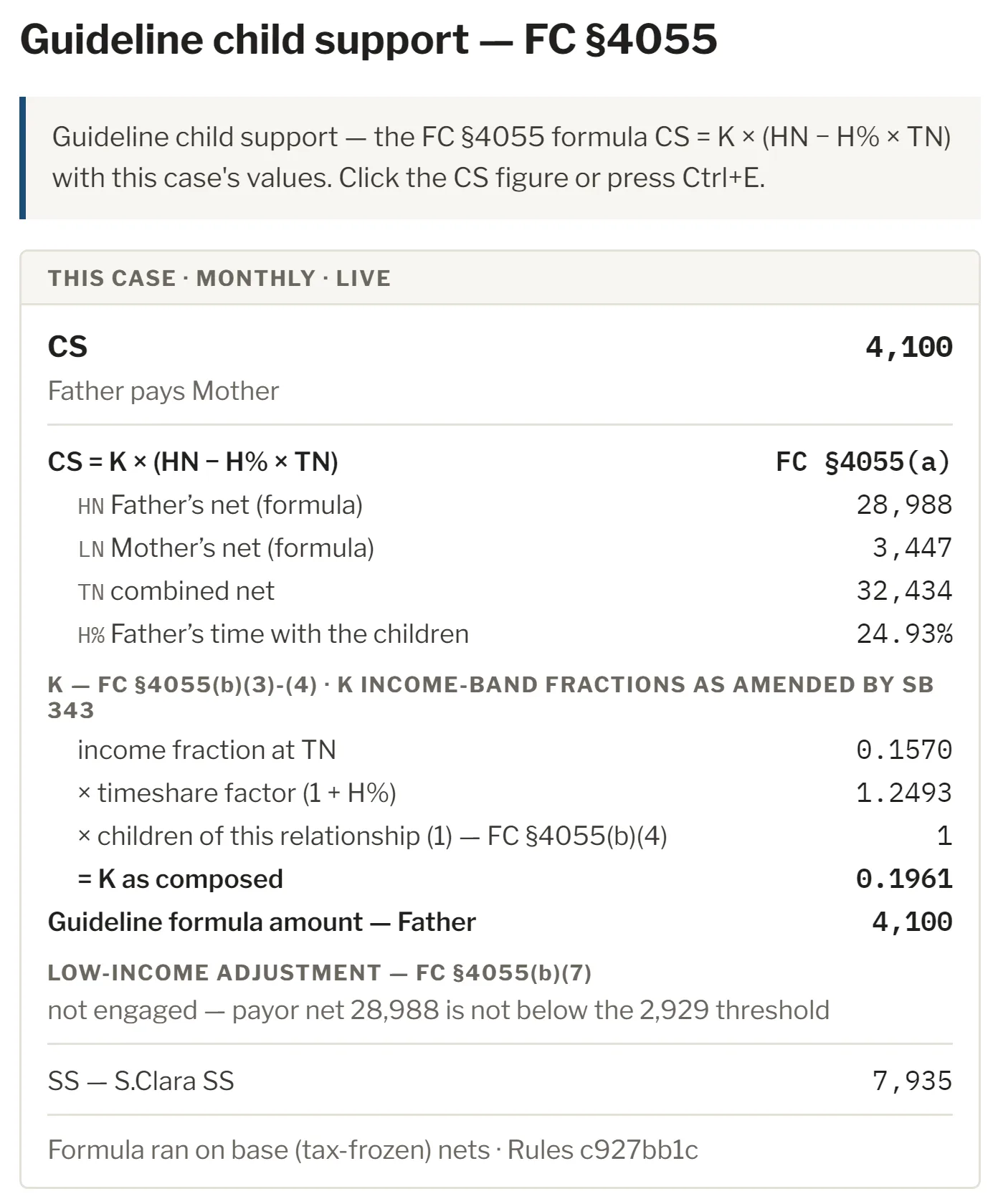
Explain this number.
Choose Explain this number on the guideline child support figure and the formula opens, filled in with this case's own figures, step by step.
Ctrl+E
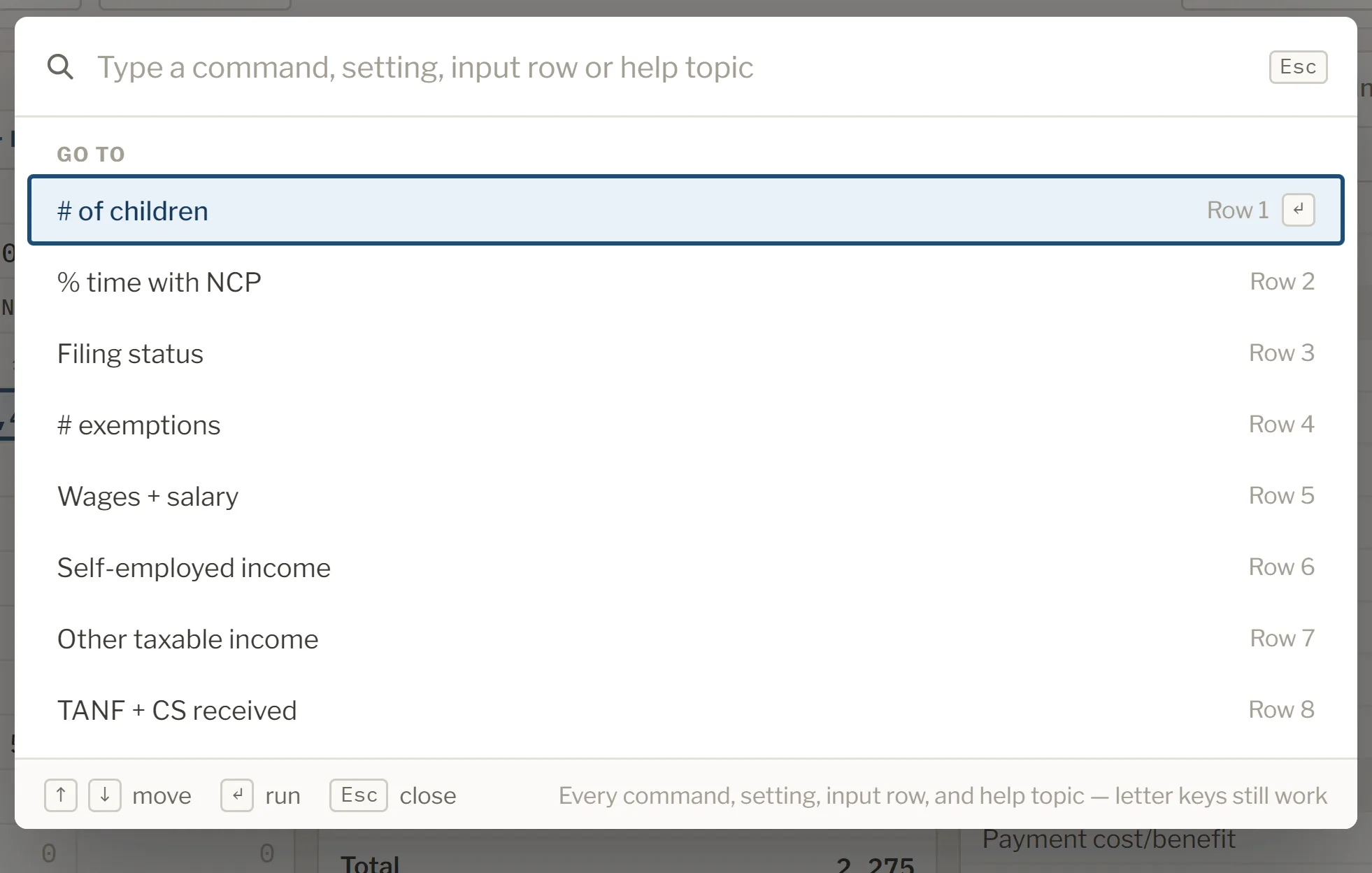
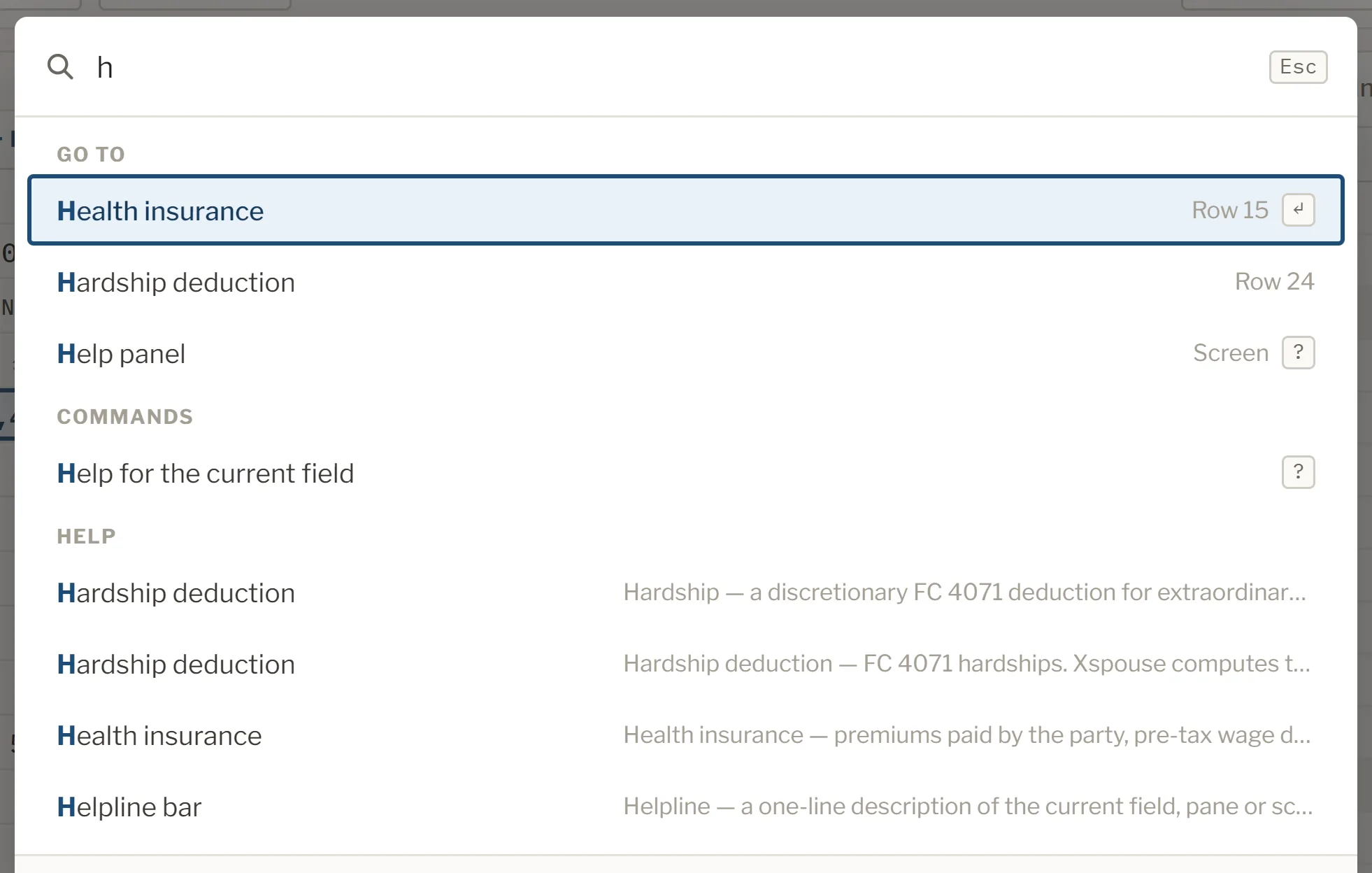
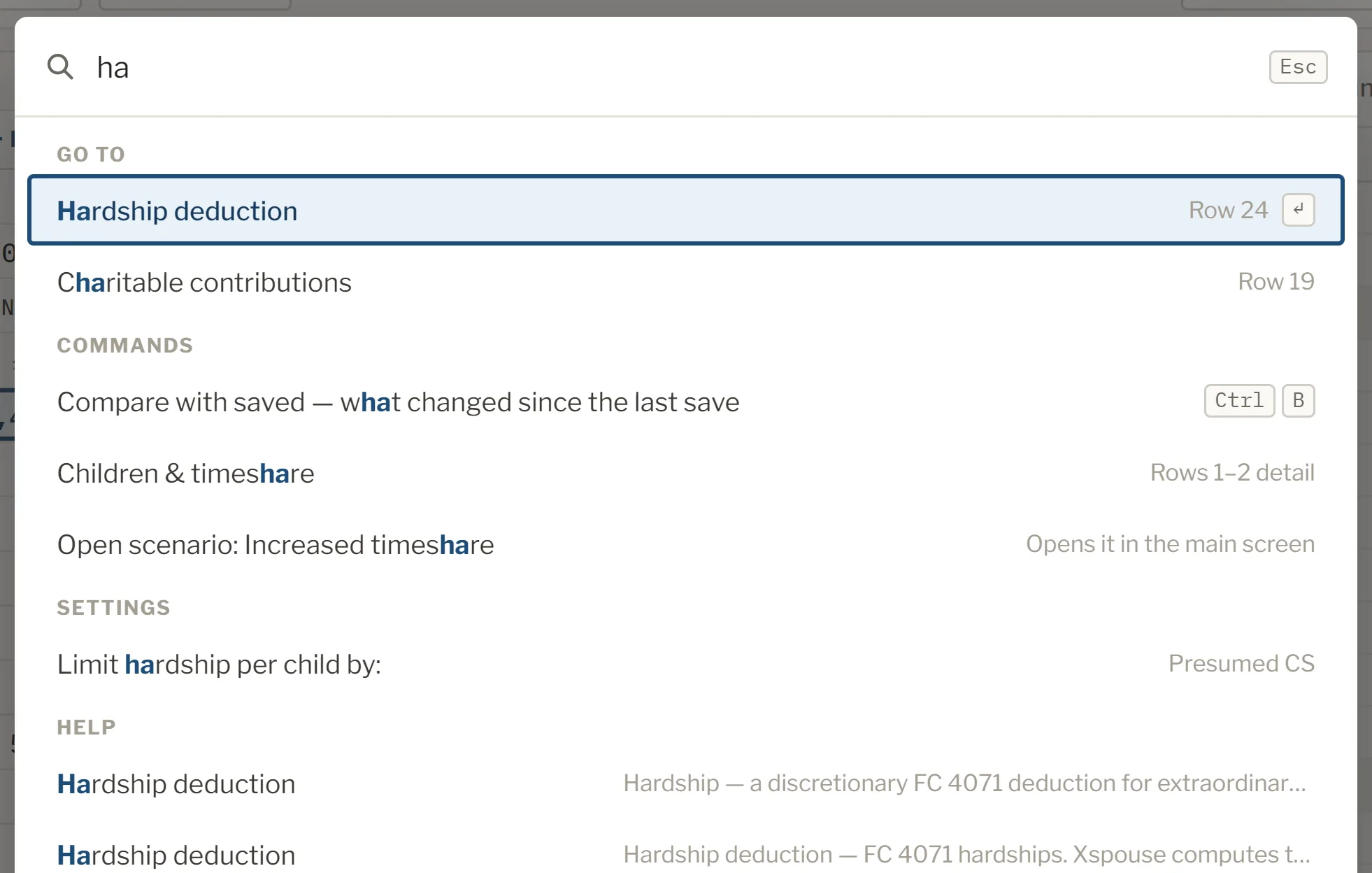
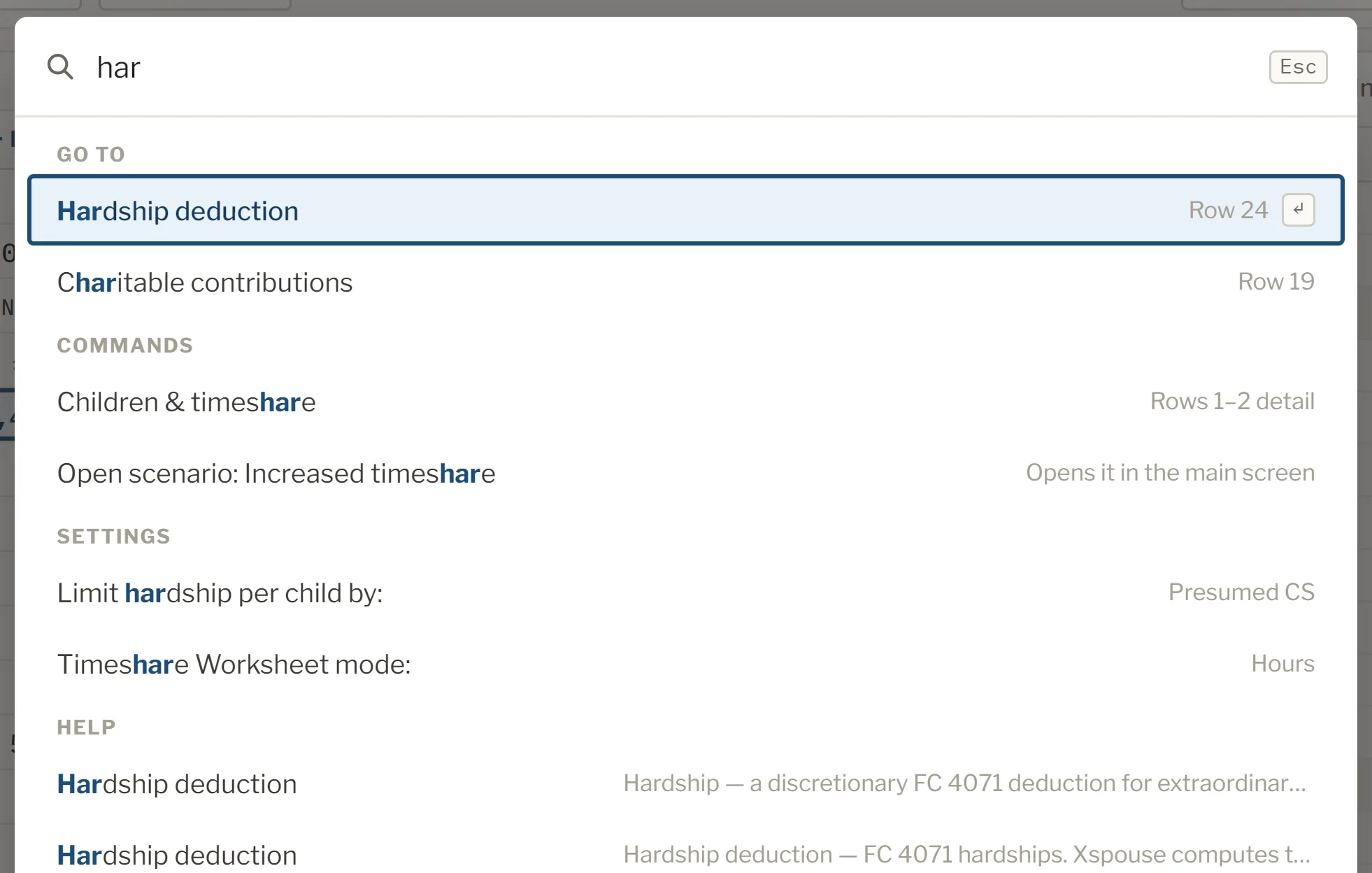
The command palette.
If you can't remember where something is, type part of a name. Any line, setting or command is a few letters away.
Ctrl+K
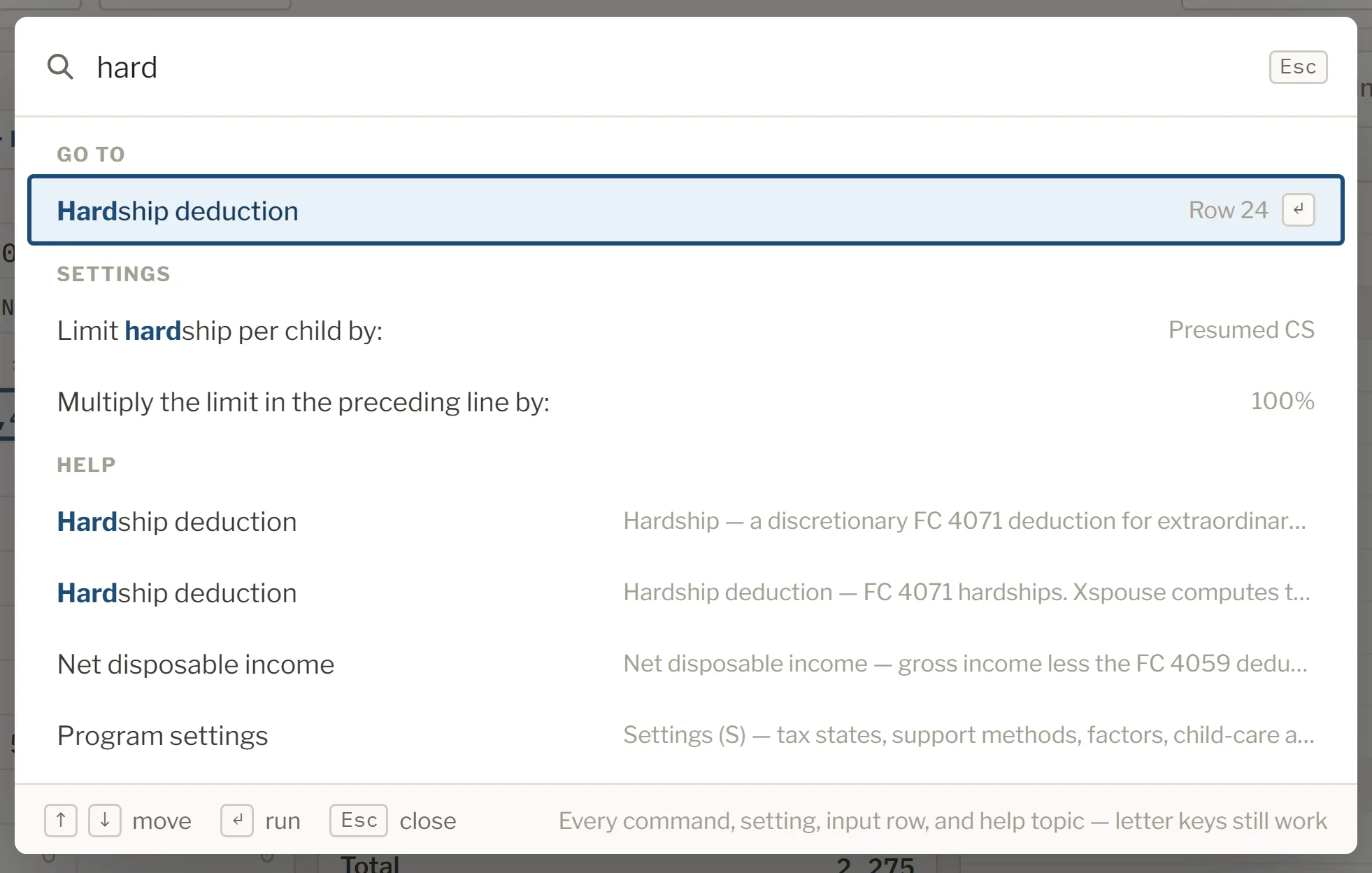
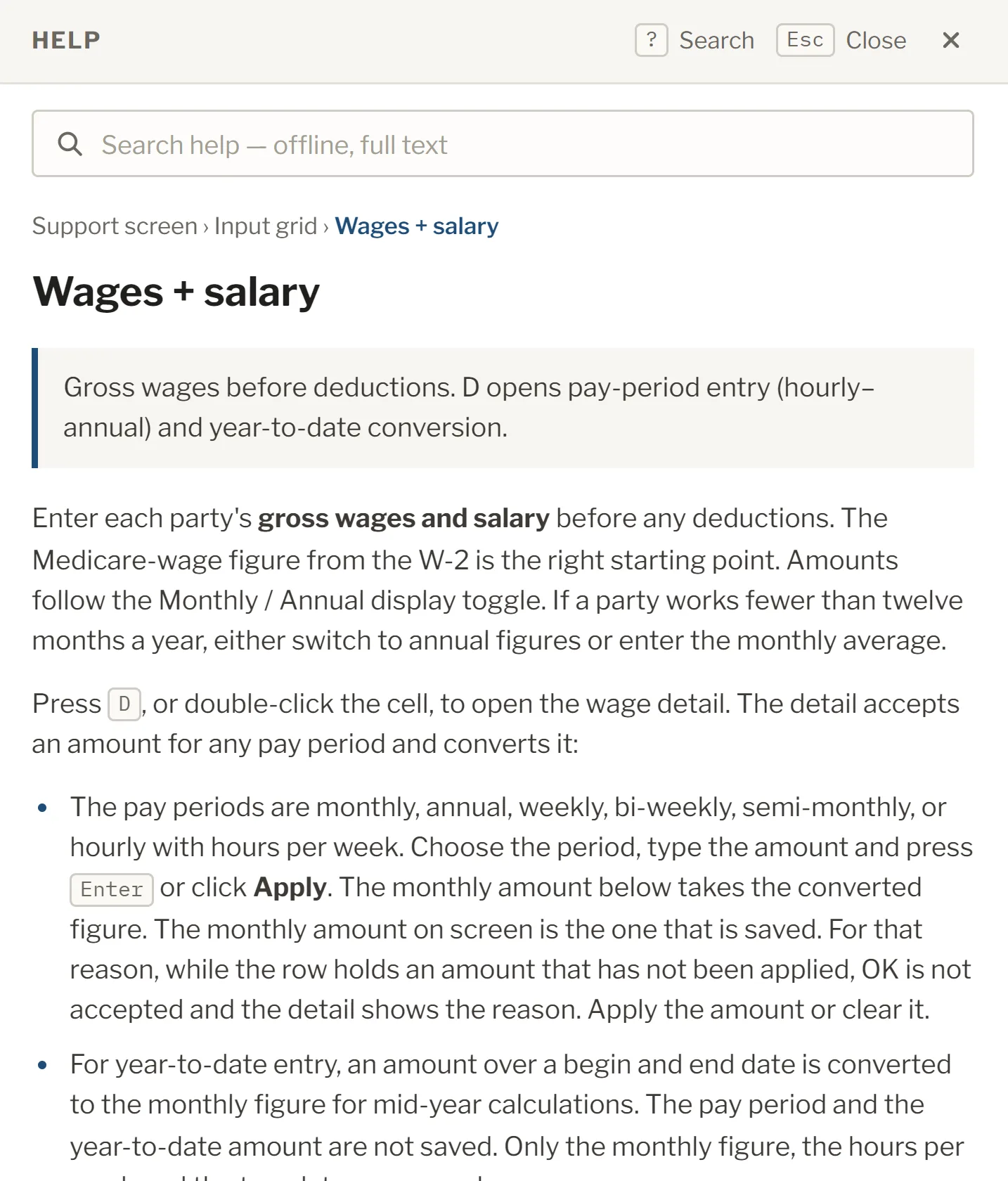
Help at your fingertips.
Contextual help is available from everywhere in the app. Press the help key to open the user manual at the field or section you are in.
F1
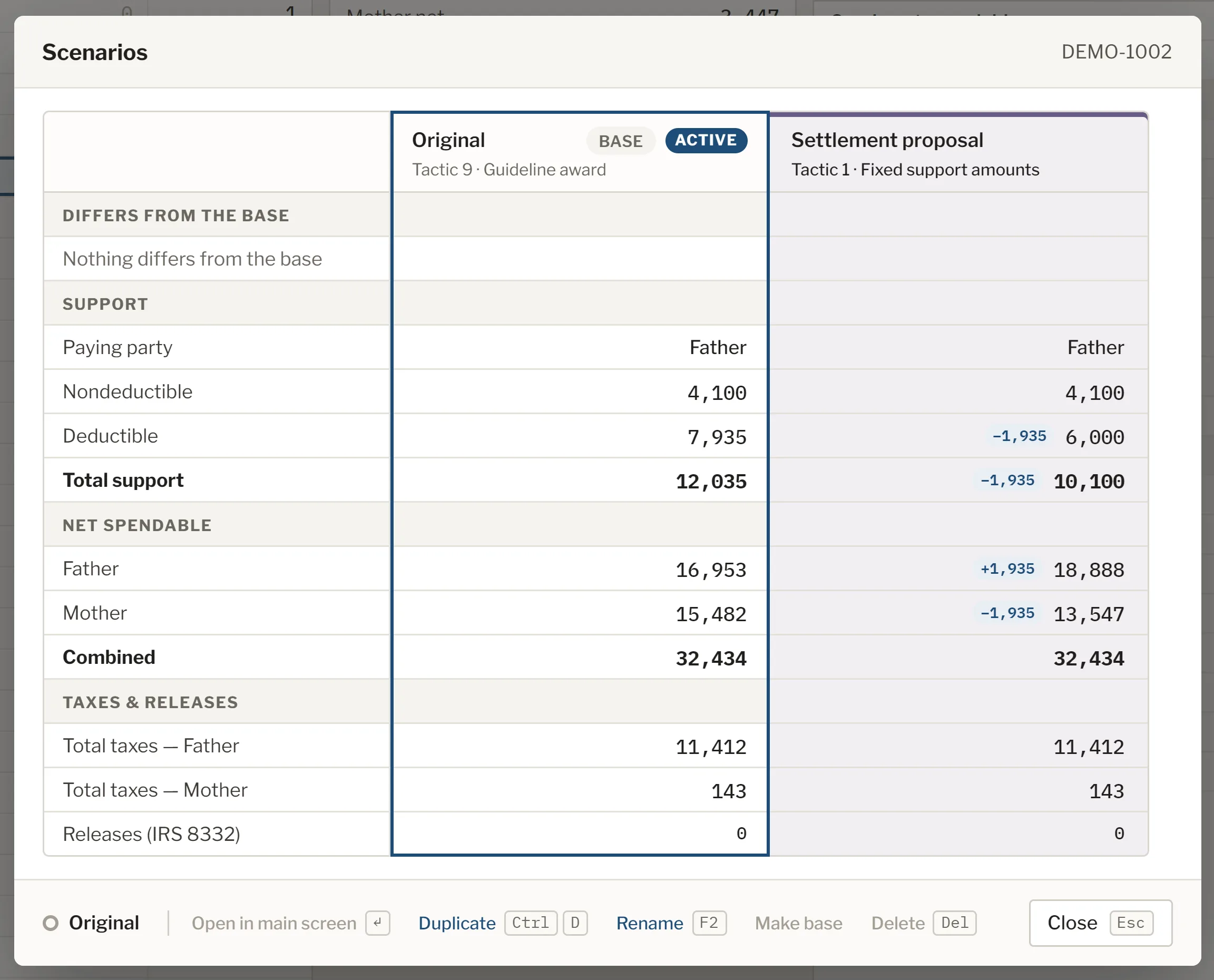
Scenarios, side by side.
Try different tactics and inputs in one case file, and see how each one changes the result. Each figure that differs from the base shows its difference.
Ctrl+Shift+S
Explain this number.
Choose Explain this number on the guideline child support figure and the formula opens, filled in with this case's own figures, step by step.
Ctrl+E
The command palette.
If you can't remember where something is, type part of a name. Any line, setting or command is a few letters away.
Ctrl+K
Help at your fingertips.
Contextual help is available from everywhere in the app. Press the help key to open the user manual at the field or section you are in.
F1
And much more.
Xspouse Next
Native on Windows and Mac.
Coming in 2027.
Common questions
When is Xspouse Next coming?
In 2027. We'll post updates as we get closer to release.
Is it a new version of Xspouse, or a different program?
Xspouse Next is built from the ground up, with new features and better performance. But we've kept the same workflows, screens and keyboard shortcuts you already know. So it will feel familiar for existing customers, and there's no steep learning curve.
What will it cost? Do I need a new licence?
Nothing extra. Xspouse Next is included in your standard Xspouse licence, alongside Xspouse Classic. Once it's released, you can try it at any time and switch when you are ready.
Do I have to switch?
Not immediately. Xspouse Classic and Xspouse Next will run side by side in 2027, so you can make the transition when you're ready. Longer term, Xspouse Next will be our supported platform into the future.
Will my existing cases open?
Yes. A case file saved in Xspouse Classic will open in Xspouse Next.
Are the figures the same as in Classic?
Yes. We have a test suite of over 500 cases and more than 2M values, and on every update we test both Next and Classic to make sure they agree.
Will it be certified for court use?
Yes. Xspouse Next will go through the same Judicial Council certification as Xspouse Classic before it is released for court use.
Does it run on a Mac?
Yes, in addition to Windows, Xspouse Next has native support for Mac, no emulator required.
Is it a web or cloud product? Where is my data stored?
It's a desktop program, like Xspouse Classic. Your cases stay on your own computer.
Does it cover arrears and property?
Yes. Support, property and arrears are all in the one program.
Can I try it early?
Not yet. We'll post updates when a demo is available.